
Imagine an experienced HR specialist helping a colleague learn the HR system. She can explain what payroll needs, which documents are missing, and why the new hire cannot move to the next step yet. Then she stops.
Where did they put that field?
She opens one tab, closes it, and tries another while her colleague watches. For a moment, the person who knows the work best looks like the person who needs help. She still knows HR. She just doesn't know where someone put the buttons.
Every application has its own vocabulary and layout. You learn which screen holds the documents, where to check a status, and what you have to save before moving on. Eventually, you can get through a routine task without searching. Then the district changes systems or the vendor pushes an update, and you must learn the new route to get to the same destination.
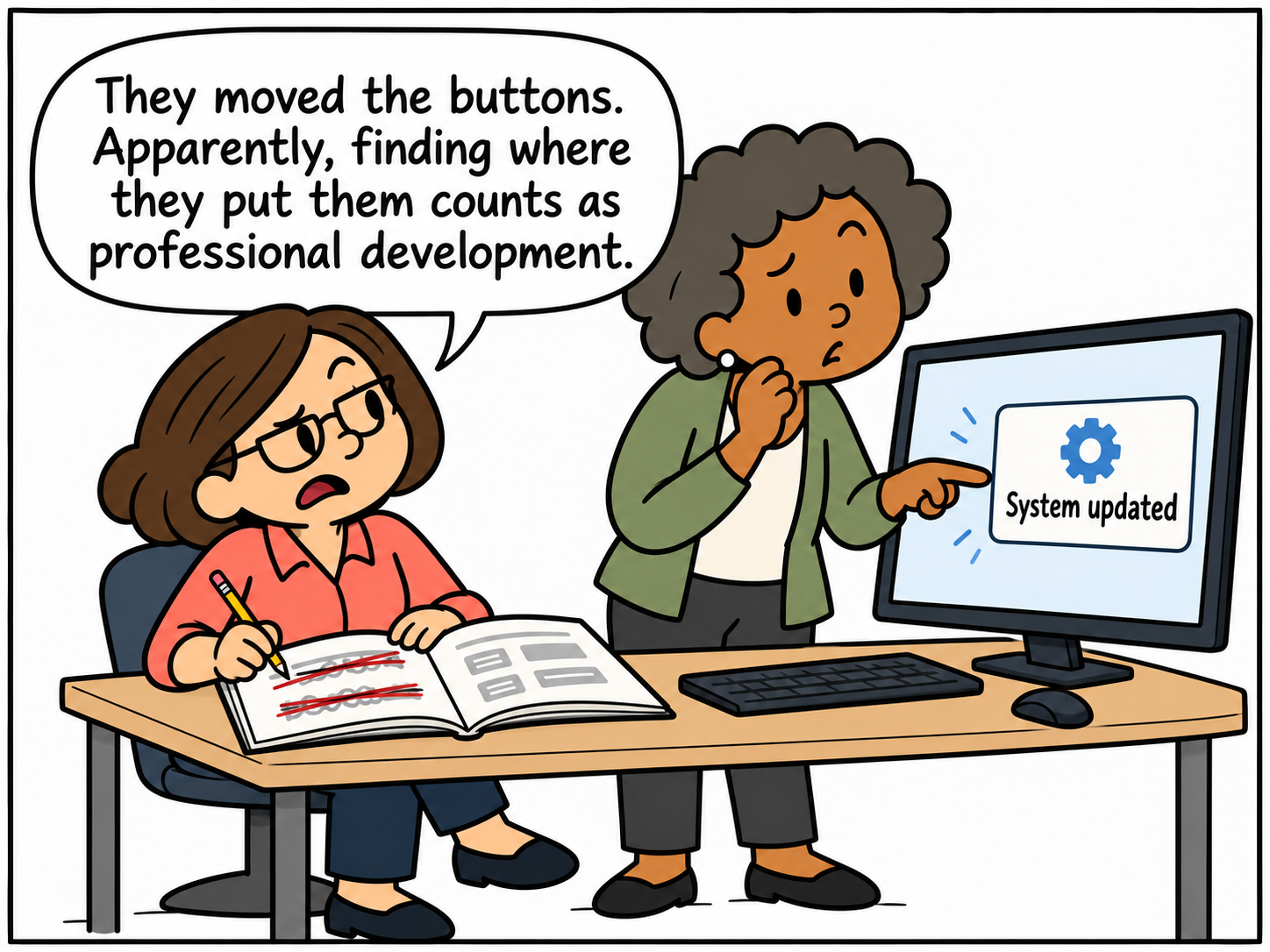
Somewhere along the way, we started treating that system memory work as part of being good at HR. In a busy office, the person who knows the shortcuts becomes everyone's backup. Colleagues ask her to find a form or walk them through a screen they have forgotten how to reach. Her help keeps the office moving, but it also makes a lot of routine work depend on her being available.
Listen to the instructions she gives. Some explain the HR work, such as confirming a revised start date or finding the person who can resolve an exception. Others explain how to navigate: open this menu, choose that tab, scroll down, save, and return to the previous screen. The same person supplies both kinds of knowledge, so it is easy to overlook how different they are.
People need training on what a system does with their information and how to check the result. But when much of that training is devoted to memorizing where everything lives, we should ask how much of the burden the computer could carry.
Reasoning models open up another way to work with software. A person could describe what they need to accomplish, and the system could help find the record, gather missing information, and prepare the action. It could ask when it is not sure which employee the request concerns, or wait when an action needs approval from an authorized person.
Think of the computer mouse on the desk. Your hand supplies every turn, even when you already know the destination. A different kind of mouse could handle more of the routine navigation and ask for direction where it needs your judgment. The specialist would still check the result and understand what it means for the employee, with less attention spent finding the next button.
The next time someone asks you to show them an HR task, listen to your own instructions. How much explains what needs to happen and why? How much is a tour of the screens?
Write down the screen directions separately. You will have a place to start looking for work the computer could take off your hands.
Coming up next: If the Work Makes You Feel Like a Robot